
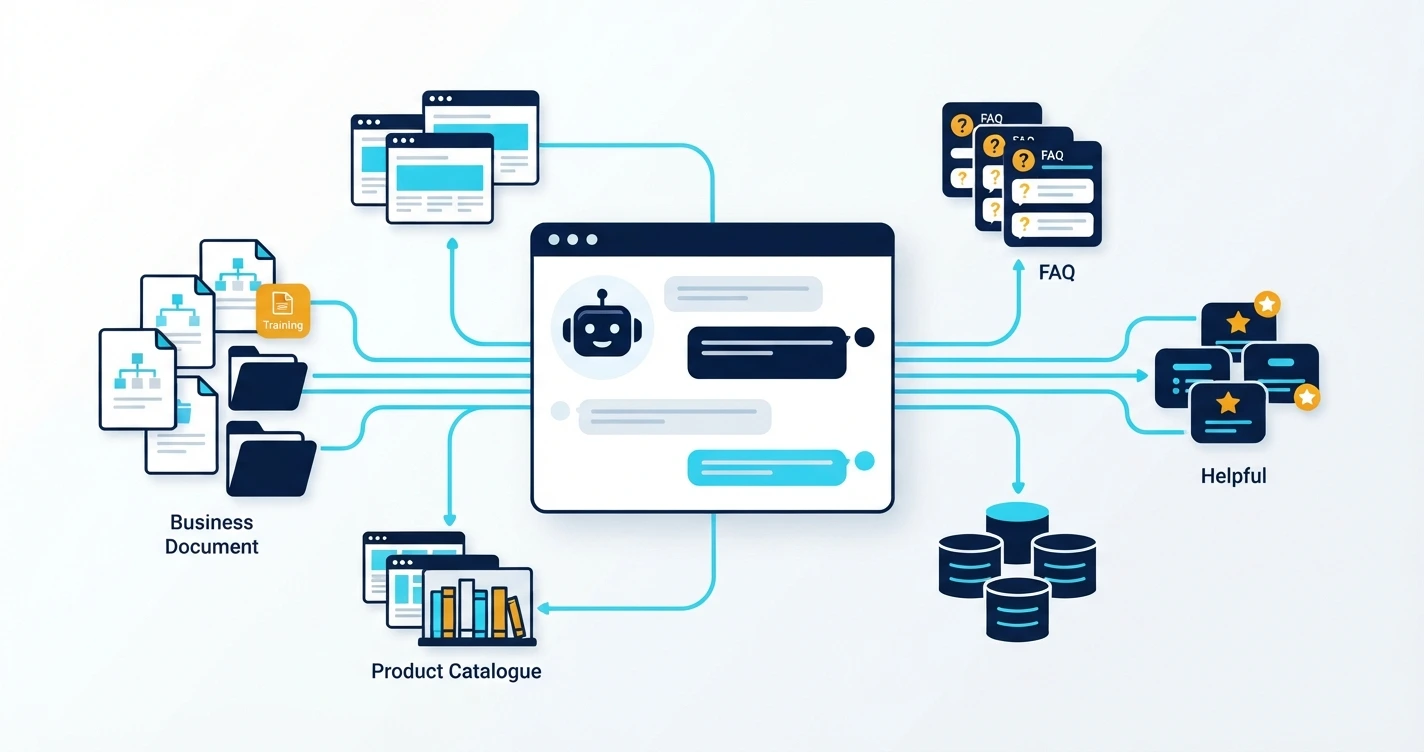
An AI chatbot becomes more useful when it understands your business, products, services, and customer questions. Instead of giving only general answers, it can use your own information to provide relevant responses. Learning how to train an AI chatbot using your business data can help you improve customer support, answer common questions, and make information easier to access.
You do not always need to build an AI model from scratch. Many chatbot platforms can connect to your existing documents, website pages, FAQs, and other business resources. The important part is preparing reliable information and choosing the right method to make it available to the chatbot.
What Does Training an AI Chatbot Mean?
Training an AI chatbot using business data means giving it access to information that helps it understand your company and answer questions about your services.
For example, imagine you run a software development company. Customers may ask questions such as:
- What services does your company provide?
- How does your development process work?
- Which information is needed to request a project quotation?
- Do you provide website maintenance?
- How can someone contact your support team?
A general AI model may not know your company's specific answers. However, a chatbot connected to your approved business information can use that information to respond more accurately.
There are two important concepts to understand:
Model training: This changes or adjusts a model's behavior using training examples and specialized datasets. It is often used for specific tasks, response styles, or patterns.
Knowledge-based answering: This gives a chatbot access to relevant business information when a user asks a question. The chatbot searches the available information and uses relevant content to prepare an answer.
For many business websites, a knowledge-based approach is a practical starting point. It can be easier to update than training a model every time a product, service, or policy changes.
Step 1: Collect Your Business Data
The first step is collecting the information your chatbot should understand. Start with content that explains your business and answers common customer questions.
You can collect information from different sources, including:
- Website pages and service descriptions
- Frequently asked questions
- Product and service catalogues
- User guides and instruction documents
- Company policies and support procedures
- Approved brochures and business profiles
- Customer support questions and answers
- Product manuals and technical documentation
Do not upload every file without checking it. Some documents may contain outdated information, duplicate content, internal notes, or details that should not be shared with customers.
For example, if your company has changed its service packages, remove or update the old descriptions before connecting the chatbot to them.
Organize Information by Topic
A well-organized knowledge base makes information easier to manage.
You can create separate folders for:
- Company information
- Products and services
- Pricing and payment policies
- Technical support
- Frequently asked questions
- Contact and business hours
Keep each document focused on one subject. A clear document about website development is easier to maintain than one large file containing unrelated company information.
Step 2: Clean and Prepare Your Data
Collecting business documents is not enough. You must prepare them before using them as chatbot knowledge.
Poor-quality information can lead to confusing or incorrect responses. A chatbot may retrieve an outdated price, repeat conflicting policies, or misunderstand a poorly written document.
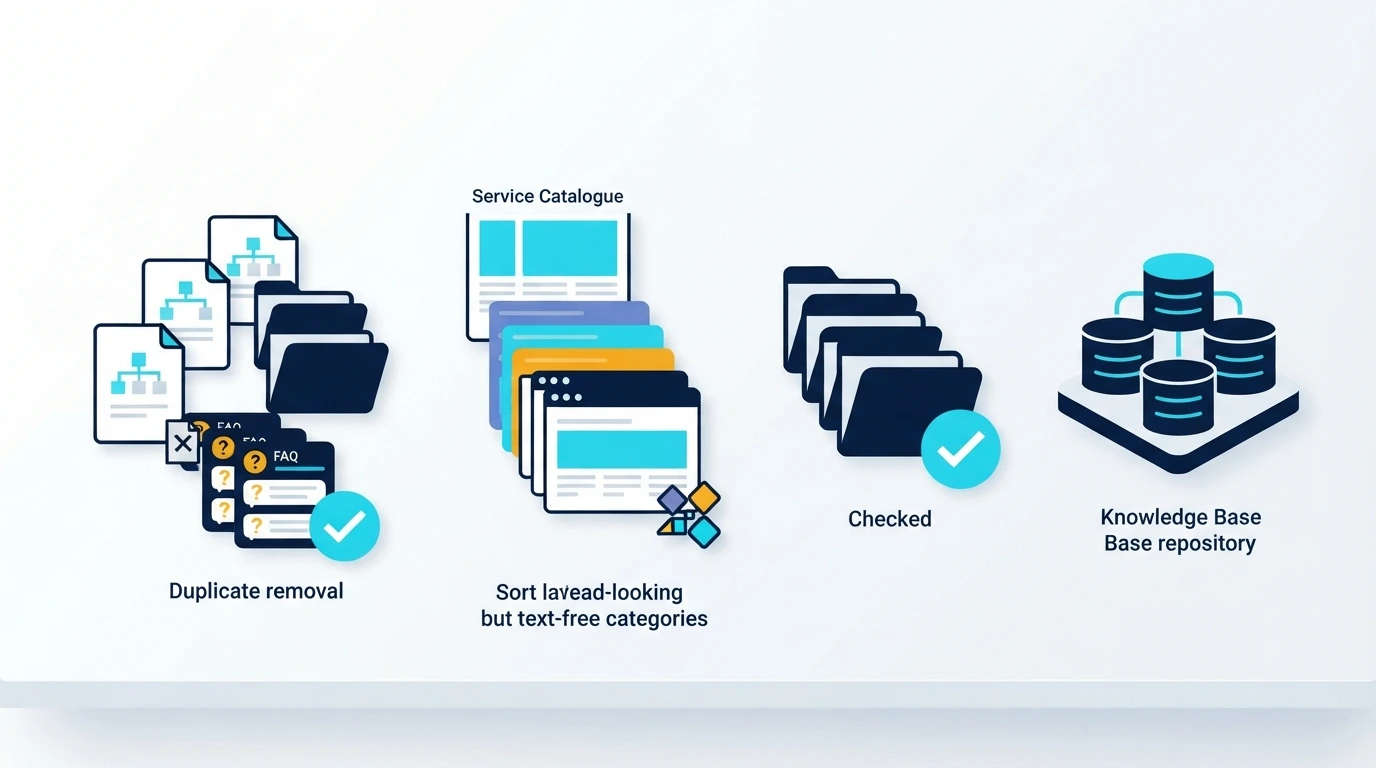
Follow these preparation steps:
Remove outdated information. Check dates, prices, product details, service descriptions, and policies. Replace old information with approved versions.
Fix spelling and formatting. Use clear headings, short paragraphs, and simple language. Avoid unnecessary formatting that makes documents difficult to process.
Remove duplicate content. If the same information appears in several documents, check that all versions agree. Keep one approved source where possible.
Separate public and private information. Do not include passwords, private customer records, confidential contracts, or internal business discussions in a public chatbot knowledge base.
Make answers specific. Replace unclear statements with direct explanations. For example, instead of writing "Support is available during working hours," provide the actual approved support hours.
Your chatbot should use information that your business is comfortable sharing with customers.
Step 3: Choose the Right Chatbot Training Method
There is more than one way to connect business information to an AI chatbot. The right option depends on your goals, technical resources, data size, and update requirements.
1. Knowledge Base or Document-Based Chatbot
This method allows a chatbot to use information from documents, website pages, FAQs, and other approved sources.
When a customer asks a question, the system searches the knowledge base for relevant information. It then provides that information to the AI model so it can create a natural response.
This approach is useful for:
- Business website assistants
- Product information chatbots
- Customer support systems
- Company policy assistants
- Educational information assistants
It is often a good starting point because you can update documents without retraining the underlying AI model.
2. Retrieval-Augmented Generation (RAG)
Retrieval-Augmented Generation, commonly called RAG, is a method that combines information retrieval with AI-generated responses.
A typical RAG system works in these stages:
- Business documents are collected and processed.
- Documents are divided into smaller sections called chunks.
- The system converts those sections into numerical representations called embeddings.
- The embeddings are stored in a searchable database, often called a vector database.
- When a customer asks a question, the system searches for relevant sections.
- The AI model uses the retrieved information to generate an answer.
RAG is useful when a business has many documents or needs to provide answers based on changing information.
3. Fine-Tuning an AI Model
Fine-tuning means adapting an existing AI model using carefully prepared examples. These examples can teach the model a particular response format, tone, or task pattern.
For example, a company may want its chatbot to follow a consistent support conversation style.
However, fine-tuning is not always the best way to store changing business facts such as current prices, product availability, or service policies. A knowledge base or RAG system is generally more suitable for information that needs regular updates.
Step 4: Connect Your Business Data to the Chatbot
After preparing your data and selecting a method, connect the information to your chatbot system.
The exact process depends on the platform or technology you choose.
For a document-based chatbot, you may be able to upload PDF, DOCX, TXT, or other supported files directly. Some platforms also allow you to provide website URLs or connect a content management system.
For a custom chatbot, developers can build a process that:
- Reads approved business documents
- Extracts and cleans their content
- Splits large documents into smaller sections
- Creates embeddings when using semantic search
- Stores searchable information in a database
- Retrieves relevant content when a customer asks a question
- Sends the retrieved content to an AI model
A PHP-based website can connect to an AI API through server-side requests. The application can manage user conversations, retrieve business information, and display the generated response through its existing chat interface.
If you are planning a custom solution, explore AI chatbot development services to understand how a chatbot can be integrated into a business website.
Step 5: Test Your AI Chatbot with Real Questions
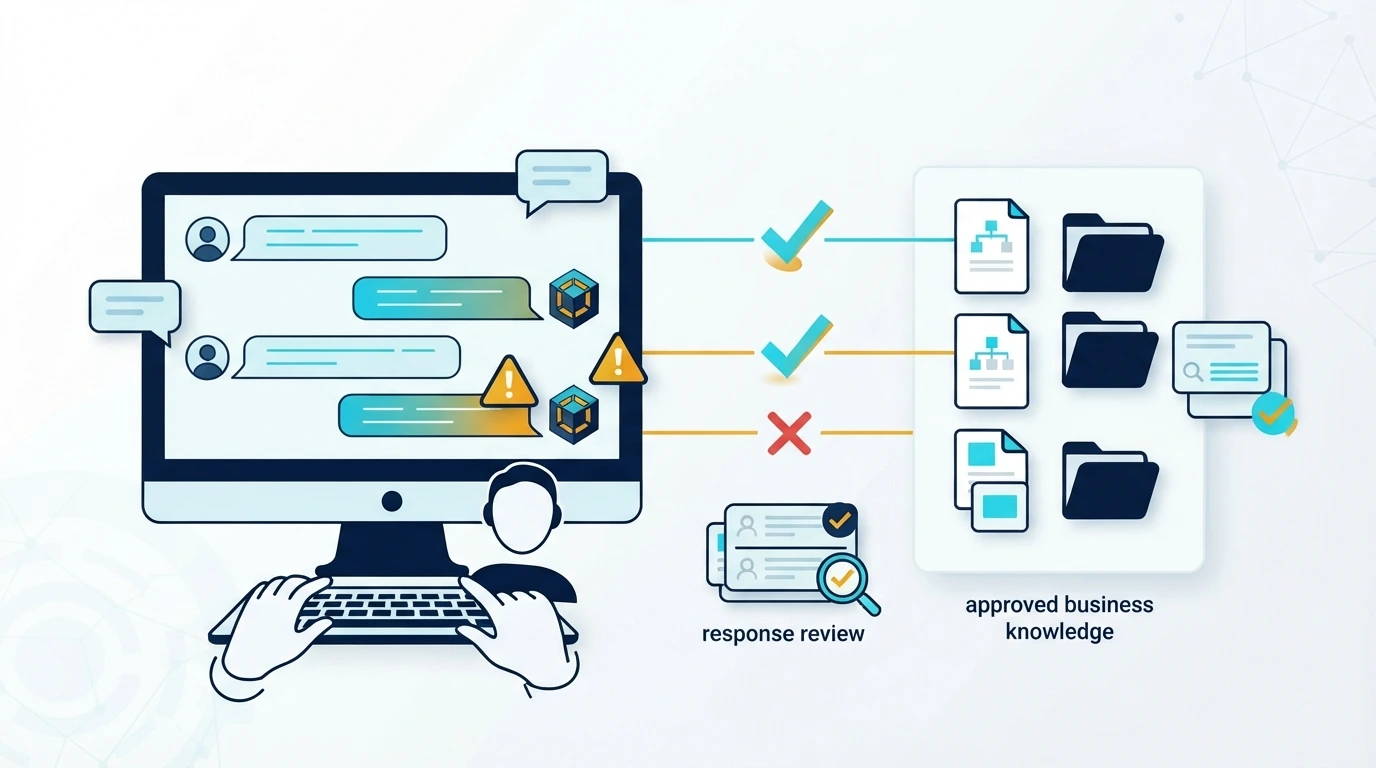
A chatbot should not go live just because its documents have been uploaded. You need to test whether it understands questions and uses the correct information.
Create a list of questions that customers are likely to ask.
For example:
- What services does the business offer?
- How can I request a quotation?
- What are your business hours?
- What is your cancellation policy?
- How can I contact technical support?
- Do you provide support for existing customers?
Compare the chatbot's responses with your approved business information.
What Should You Check?
Accuracy: Does the answer match the information in your documents?
Relevance: Does the chatbot answer the actual question instead of giving unrelated details?
Clarity: Is the response simple enough for a customer to understand?
Missing information: Does the chatbot clearly explain when it cannot find an answer?
Consistency: Does it provide the same approved information when users ask similar questions in different ways?
You should also test questions that are outside your business knowledge base. The chatbot should not invent prices, promises, policies, or services.
A useful chatbot should be able to say that it does not have enough information and direct the customer to an appropriate contact method.
Step 6: Set Rules for Safe and Reliable Responses
Business data can contain sensitive information, so your chatbot needs clear rules about what it can access and share.
Start by deciding which information is public and which information must remain private.
For example, a public website chatbot may answer questions about services, general pricing policies, and business hours. It should not reveal private customer records, employee details, account information, or confidential documents.
Consider these important controls:
- Give the chatbot access only to approved information.
- Protect private documents with proper access controls.
- Do not place API keys or passwords in public website code.
- Avoid sending unnecessary personal information to AI services.
- Provide a human contact option for complicated requests.
- Review chatbot conversations for quality and safety where appropriate.
- Make sure the system follows relevant privacy requirements.
Also, define what the chatbot should do when it cannot answer a question. It may ask the customer to clarify, provide a support contact, or transfer the conversation to a human representative if that feature is available.
Step 7: Keep Your Chatbot Knowledge Updated
Training your chatbot is not a one-time task. Your business information can change over time.
You may introduce new services, update product details, change business hours, or revise company policies. If the chatbot continues using old information, customers may receive incorrect answers.
Create a simple maintenance routine.
- Review important business documents regularly.
- Update information when a policy or service changes.
- Remove documents that are no longer valid.
- Reprocess updated documents when required by your chatbot platform.
- Test important questions after every major update.
- Review customer feedback and identify missing information.
Assign responsibility for maintaining the knowledge base. Someone in your business should know which information is approved and when it needs to be updated.
A clear update process helps keep chatbot responses consistent with your current business operations.
Common Mistakes to Avoid
Businesses can face problems when they connect AI chatbots to unprepared data. Avoid these common mistakes:
- Uploading outdated documents without checking them.
- Mixing private company records with public information.
- Using unclear documents with incomplete answers.
- Assuming a chatbot understands every file automatically.
- Using fine-tuning when a searchable knowledge base is more appropriate.
- Skipping testing before launching the chatbot.
- Allowing the chatbot to guess when information is missing.
- Forgetting to update the knowledge base after business changes.
The goal is not simply to give an AI chatbot more data. The goal is to give it accurate, relevant, and approved information that helps it answer customer questions.
Key Takeaways
- Collect accurate business information before connecting it to an AI chatbot.
- Clean and organize documents so the system can use them effectively.
- Use a knowledge base or RAG when the chatbot needs access to changing business information.
- Test answers against approved documents before launching.
- Protect private information and update the knowledge base regularly.
FAQ
1. Can I train an AI chatbot using my website content?
Yes. Many chatbot platforms can use website pages as a knowledge source. A custom chatbot can also collect and process approved website content. Before connecting your website, review the pages and remove outdated or incorrect information. This helps the chatbot provide answers that match your current services and business policies.
2. Do I need to train an AI model from scratch?
No. Most businesses do not need to build an AI model from scratch. You can connect an existing AI model to your business documents using a knowledge base or RAG system. This allows the chatbot to answer questions using your information without requiring you to develop and train a complete model yourself.
3. What documents can I use to train a business chatbot?
The supported formats depend on your chatbot platform. Common sources include PDF files, Word documents, text files, website pages, FAQs, product catalogues, and user manuals. Choose clear, relevant, and approved documents. Always check whether your platform supports a particular file format before uploading it.
4. How often should I update my chatbot's business data?
Update your chatbot whenever important business information changes. This includes service descriptions, product details, prices, policies, contact information, and business hours. You should also review the knowledge base regularly to find outdated documents. The update process depends on whether your chatbot uses automatic synchronization or manual document uploads.
5. Can an AI chatbot give wrong answers even after training?
Yes. An AI chatbot can still misunderstand a question, retrieve unrelated information, or generate an incorrect response. Good data preparation, clear instructions, testing, and access controls can reduce these problems. For important business questions, make sure the chatbot uses approved sources and provides a human contact option when it is uncertain.
If you want to build a chatbot that understands your products, services, and business information, contact ABZ Solutions. We can help you explore an AI chatbot solution that fits your website and business requirements.